01
Mount
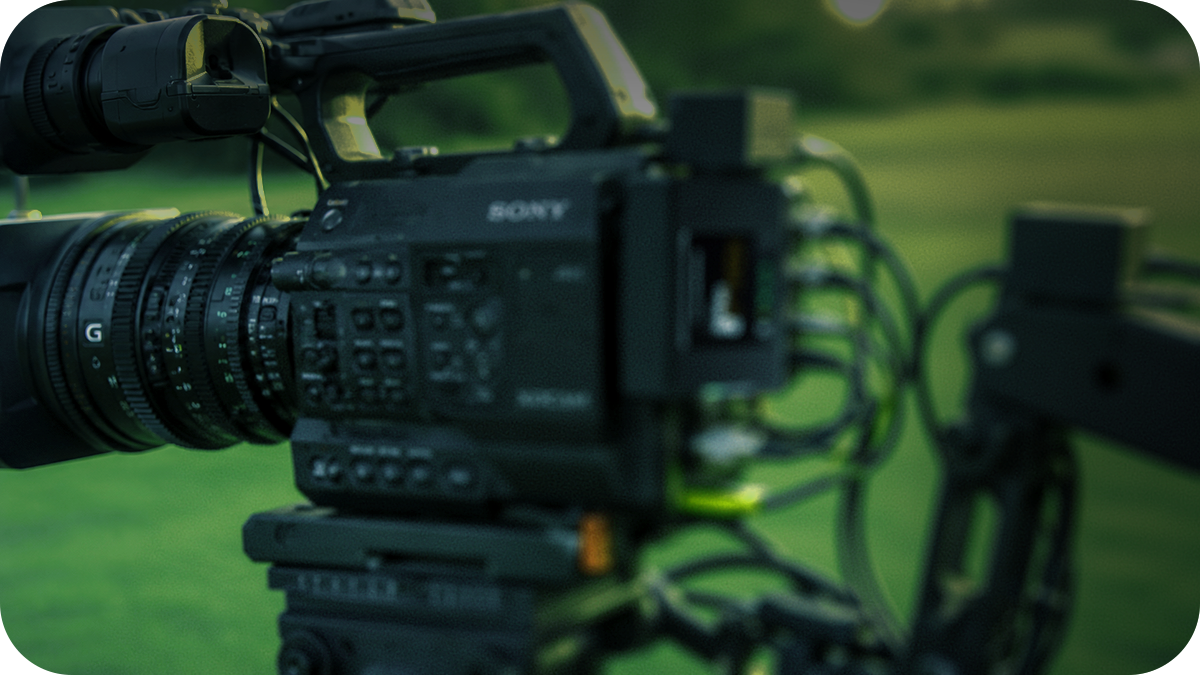
Clip KOALA to the camera, fit the sensors, plug in the lens interface or encoders.
Inertial camera tracking
No markers. No servers. No drama.
01 — Like a koala
A koala grabs a tree and holds on. KOALA grabs your camera and does the same. Attach it. Power it. Track.

02 — Dual IMU
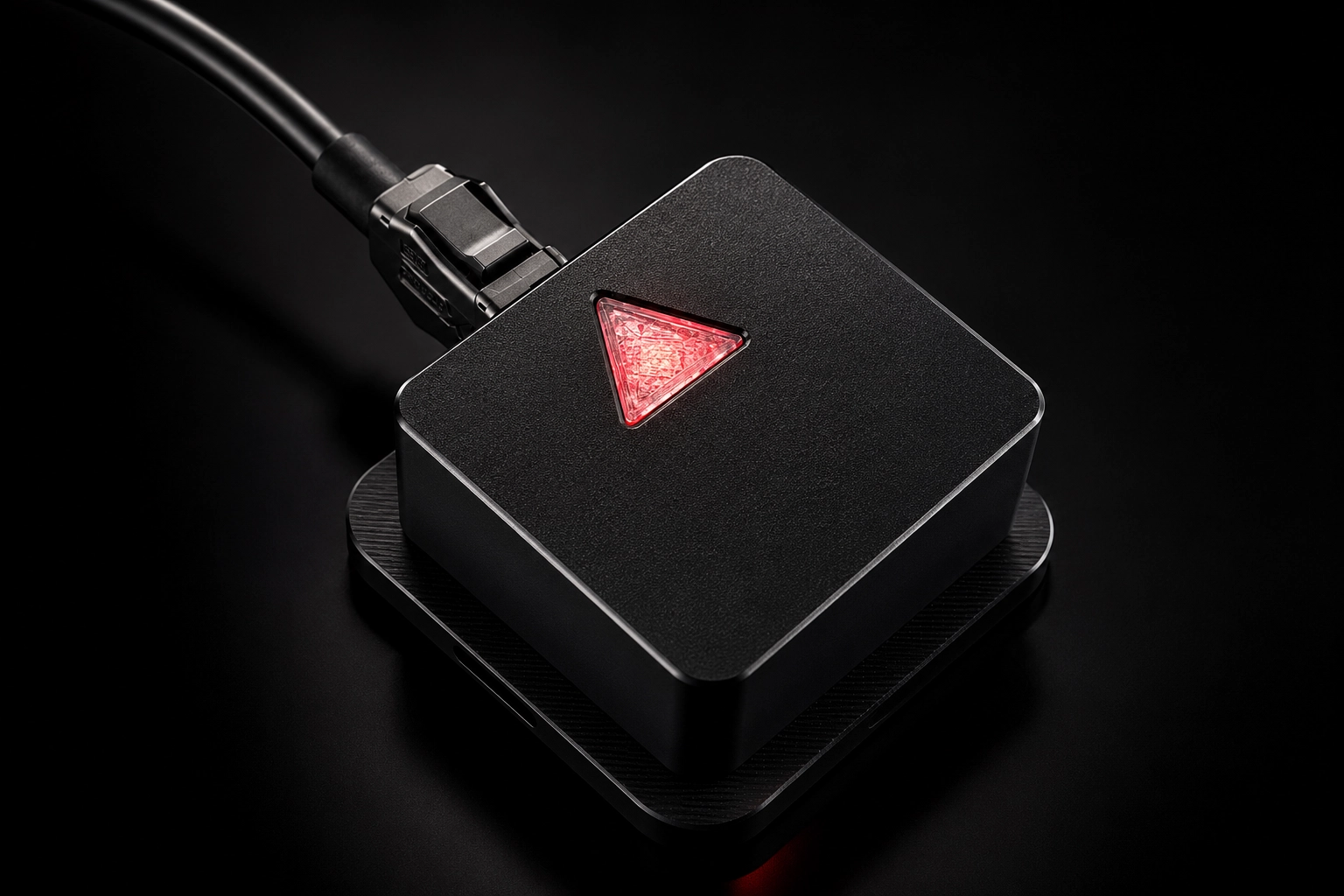
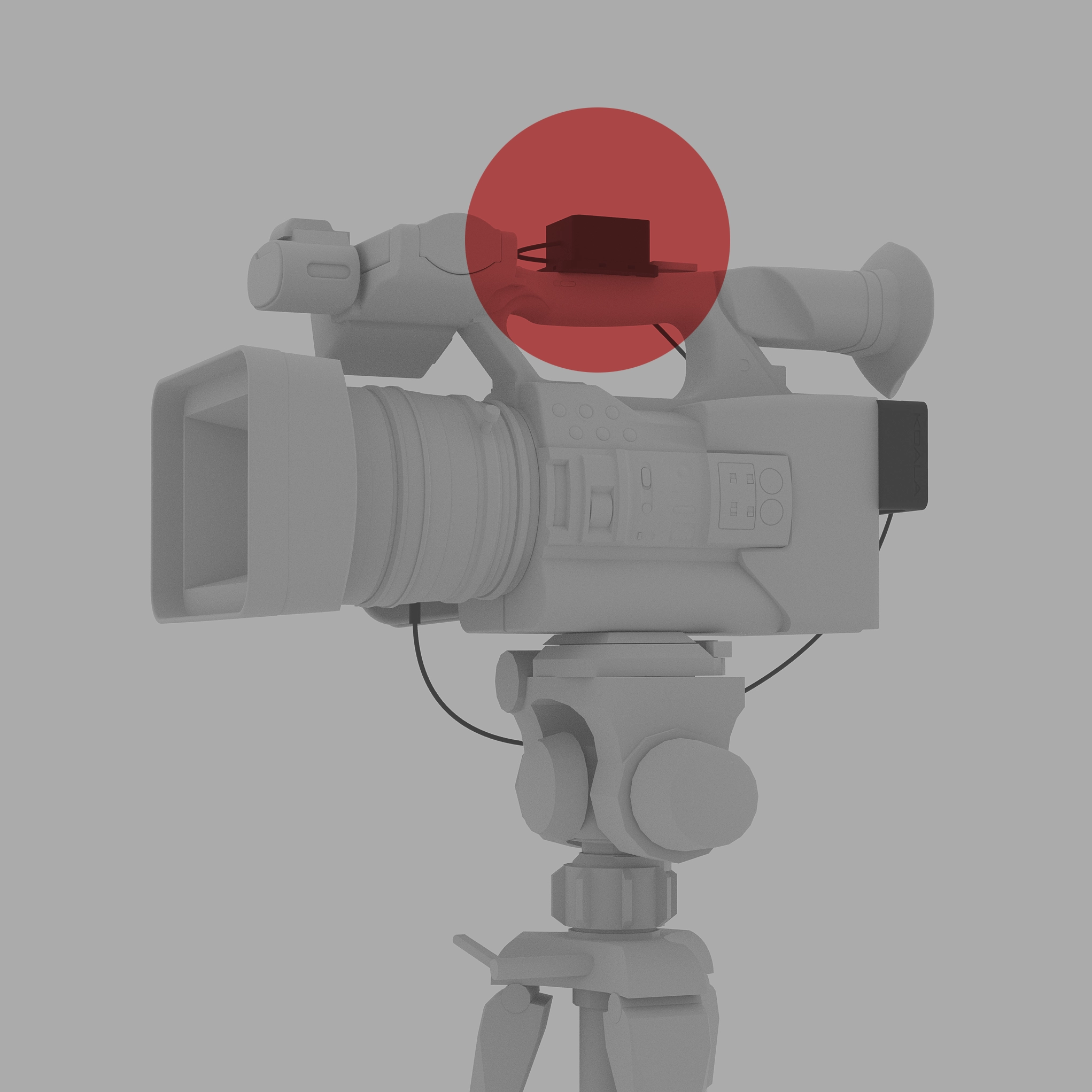
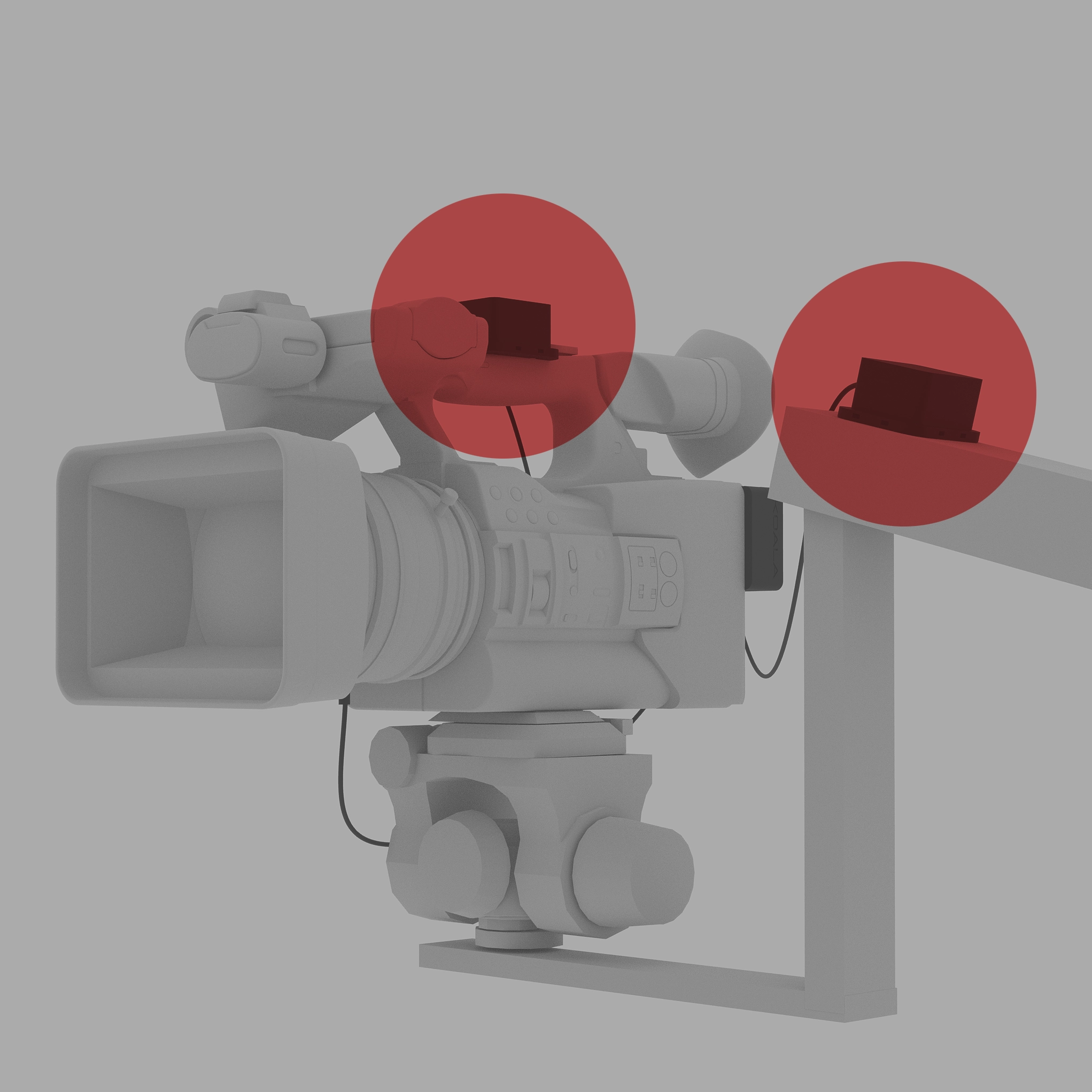
The HEAD sensor tracks pan and tilt on tripods, pedestals and fixed heads. Add the CRANE sensor to the arm, and KOALA fuses both readings in real time.
03 — Use cases

04 — Setup
From camera to virtual set before the coffee gets cold.
Clip KOALA to the camera, fit the sensors, plug in the lens interface or encoders.
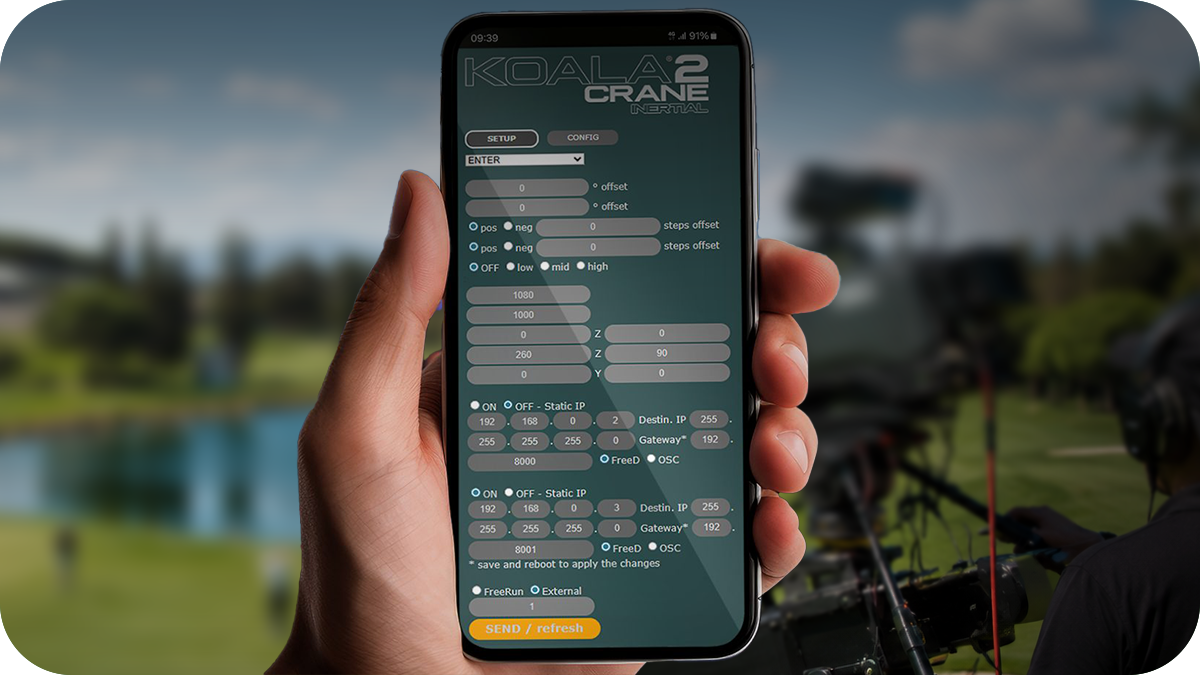
Open the web interface from any browser, enter your rig, pick FreeD or OSC.
Reset from the touchscreen, lock to Genlock, roll.
05 — Hardware
Every connector earns its place. Every detail was tested on real productions.
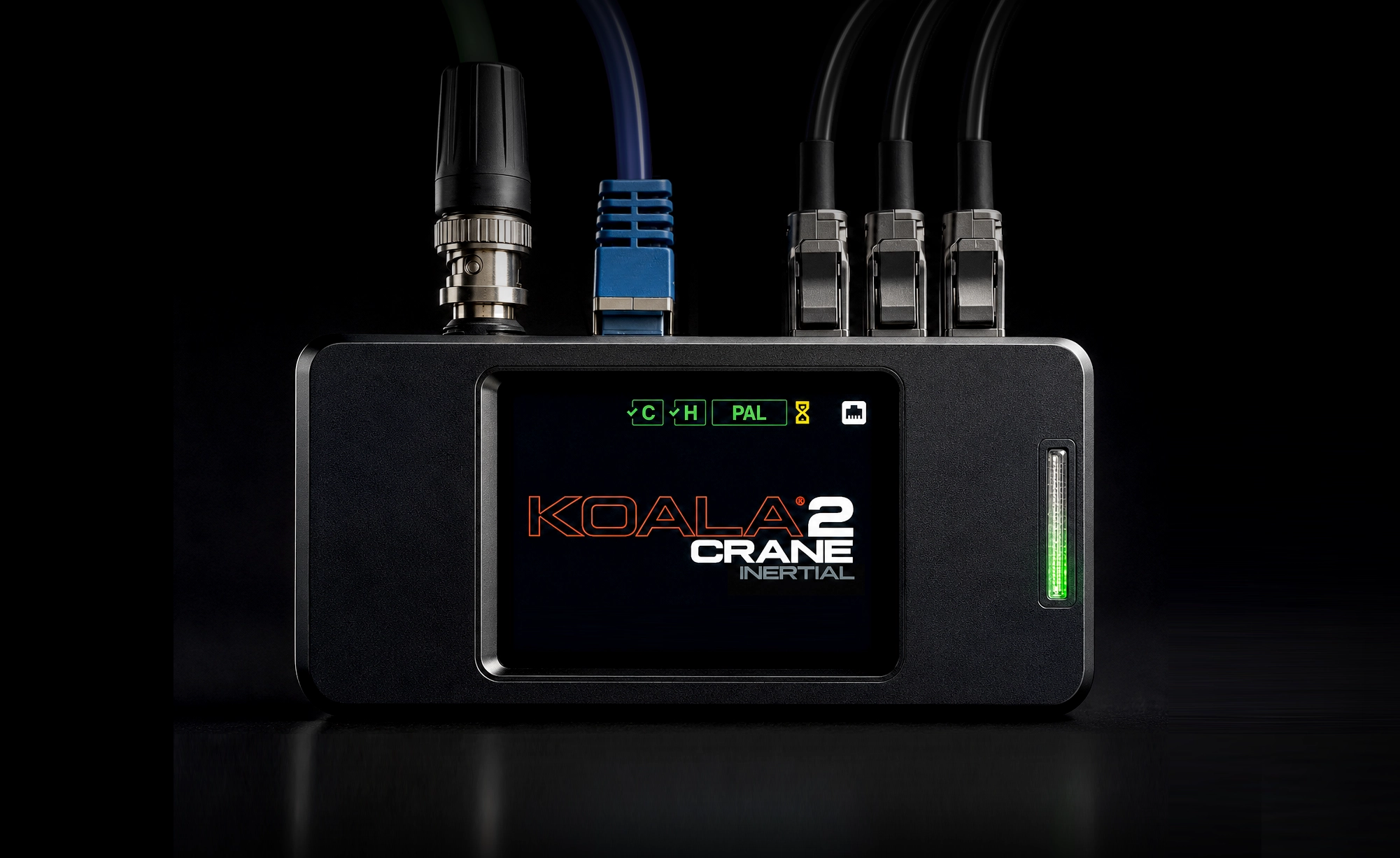
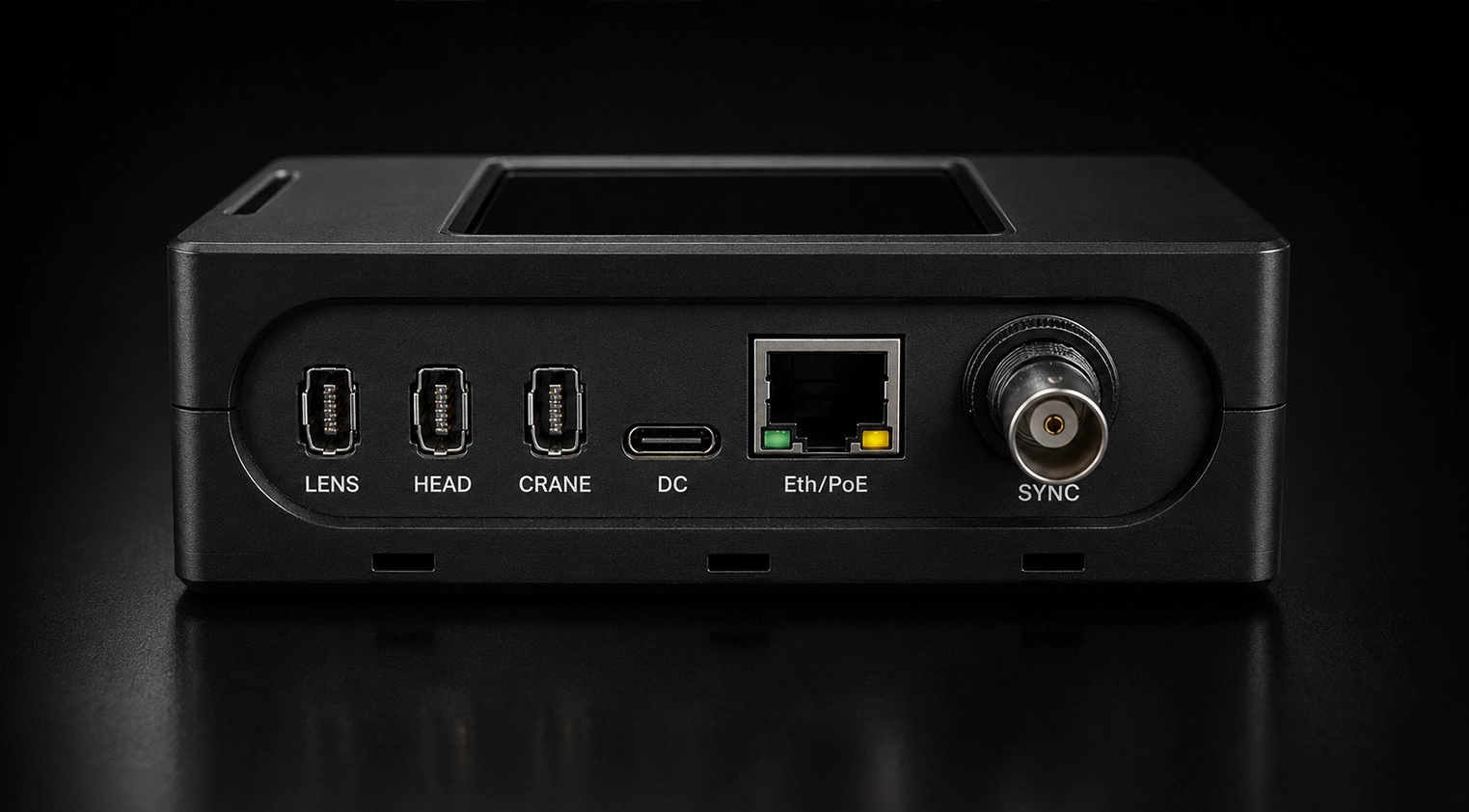
Power and data over a single Ethernet cable. Fewer cables, faster rigs.
New features land over the air. No returns, no downtime.
Tracking status and live data right on the device.
Built-in Wi-Fi access point for quick on-set configuration.
“KOALA was designed with a clear goal in mind: simplify the work of professionals.” — The KOALA engineering team
06 — Tech specs
07 — Support
Warm-up is not complete. Keep KOALA still when you power it on, or start STABILIZATION manually.
If values change in INFO > DATA but don't reach your workstation, check network or serial settings. If they don't change at all, the SYNC signal is missing.
Level the whole rig, then run AUTOLEVEL again. Repeat whenever the unit or crane is moved.
Yes, on the right side of the web page.
Compatibility
FreeD and OSC output plug straight into the virtual production engines you already use.

08 — Build your KOALA
Every setup starts with KOALA 2. Pick the kit that fits your rig.
Distributor: FOR.A Italia S.r.l. · +39 039 881086
We reply within one business day.